Lead Management CRM: The Process and 3 Tools I'd Use
 My short answer
A lead management CRM captures each lead with its click ID, tracks and qualifies it, then sends the outcome back to Meta and Google so they bid for sales, not form fills. My 3: HubSpot if you want that loop built in, Zoho CRM for Google Ads on a budget, Pipedrive for a sales team that lives in a pipeline.
Most of the leads my ads bring in don’t die in the ad account, they die in a lead management CRM nobody set up for ads. The form fires, the lead lands, and then it waits for someone to notice.
Meanwhile Meta and Google keep buying more people just like it. They don’t optimise towards your revenue. They optimise towards the last thing you told them about.
Tell them about form fills and you get more form fills, including the ones that never answer the phone. So this isn’t a filing problem. It’s a buying problem.
What lead management is, and where the CRM fits
Lead management is everything that happens to a lead between the form and the sale. You capture it, track where it came from, qualify it, follow up, hand it to sales and record how it ended. A lead management CRM is where that lives, and for advertisers it’s where Meta and Google learn what a good lead looks like.
Most lead management systems are sold on organisation. That’s real, and it’s the part with the least money attached. The money is in the last step, because both platforms bid on the outcomes you report back.
Google publishes a number on this. On its offline conversion import page, it says advertisers who combined first party data with click IDs saw a median 10% increase in conversions over standard offline conversion imports.
Without the loop closed
- Last reported event is a form fill
- Bidding finds people who fill in forms
- Cheap leads look like good leads
- No campaign can be tied to revenue
With outcomes fed back
- Last reported event is a qualified lead
- Bidding finds people who buy
- Value based bidding becomes possible
- Revenue is attributable to a campaign
The CRM lead management process, from click to close
If you’re working out how to manage sales leads that come from ads, it’s 6 steps, and the order matters. Every CRM lead management process I set up runs the same way: capture, track, qualify, follow up, hand off, then close the loop back to the ad platforms. Skip the last one and the first 5 only tidy things up.
- Capture: the form or lead ad creates the record in your lead management CRM, with the click ID saved at submission: gclid, gbraid or wbraid from Google, fbclid from Meta (sent to its API as fbc).
- Track: source, campaign, and a timestamp at every stage change. Lead tracking software does this part on its own.
- Qualify: one written definition of a qualified lead, agreed with sales. Still open? Start with what a conversion goal should be.
- Follow up: reminders and routing, so nobody waits. Lead management automation earns its keep here, but don’t over build the lead automation. A fast phone call beats a clever sequence.
- Hand off: a named salesperson gets the lead with its history. Sales lead management usually starts here, and so do most sales and marketing arguments.
- Close the loop: the lead management CRM sends the outcome, with a value, back to Meta and Google against the original click. That’s what changes what your ads buy.
UTM parameters aren’t click IDs. They tell your own reporting where traffic came from, and they can’t report a conversion back to a platform. Plenty of setups collect only UTMs, then wonder why nothing matches.
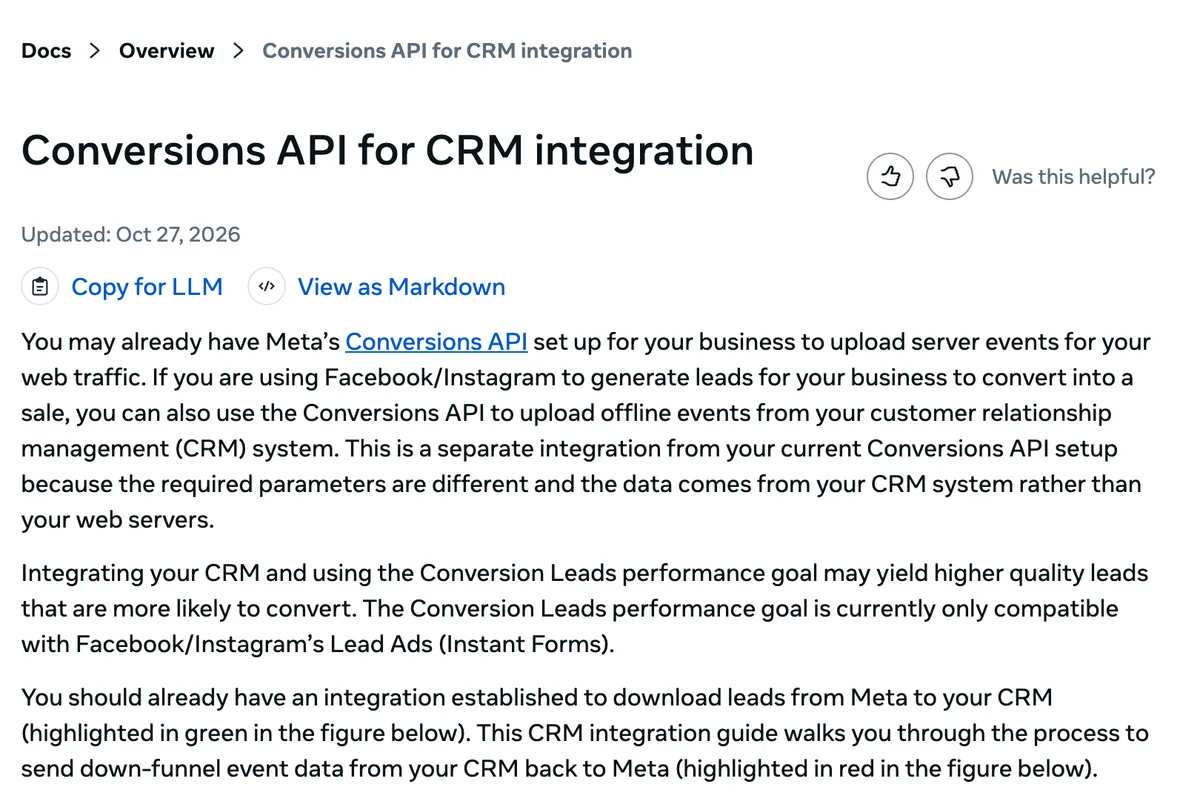
For Meta lead ads, Meta’s conversion leads guide says to store its 15 to 17 digit Lead ID in your CRM and send it with each event. Before step 6 pays off there, it wants:
- at least 200 leads a month
- a stage you optimise for that 1% to 40% of leads reach
- that stage happening within 28 days of the lead
- about 3 to 4 weeks before you see the value, learning phase included
Managing sales leads from ads is a different job from managing referrals. The ad platform is still listening.
Why use a CRM for lead management (ranked by money)
Most lists put better organisation first. In the accounts I run, ranked by what each reason is worth to a business spending on ads, the order goes almost exactly the other way round. Here are the 7, most valuable first, and the first 3 are worth more than the other 4 put together:
- Your bidding gets a real target: qualified leads, not form fills.
- You see which campaign made money, not which one made cheap leads.
- You can bid by value. Google’s bid strategies page says advertisers who switch from Target CPA to Target ROAS can see 14% more conversion value on average, at a similar return on ad spend. That’s general, not lead gen specific.
- Signal survives the browser. A server side feed from your lead management CRM isn’t blocked by a consent banner or an ad blocker.
- Sales stops arguing with marketing. One record, one answer on whether the lead was any good.
- You keep your history. Ad accounts get reset and agencies change. Your CRM is yours.
- Nothing falls through. Real, and worth the least.
The first 3 all depend on one thing: whether the lead record can be matched back to the click that created it.
Reason 4 is why server side won. Consent banners blocking tags, ad blockers and in app browsers are all client side problems, and a CRM feed isn’t client side. That’s server side advertisement tracking.
Client side pixel
- Blocked before a consent banner is answered
- Stripped by ad blockers
- Broken inside in app browsers
- Cannot report a sale that closes weeks later
Server side from your CRM
- Fires from your server, not the browser
- Carries the click ID stored on the record
- Reports outcomes long after the click
- Needs a lawful basis and hashed identifiers
What a lead management CRM has to store
Any lead management system is useful to an advertiser if it stores 4 things and can get them back out. Miss one and the loop breaks quietly, which is worse than loudly, because the reports keep arriving and they keep being wrong. Here’s what a lead management tool needs before you pay for it:
| What it stores | Why it matters |
|---|---|
| The click ID at form submission | Without it, nothing can be matched back to an ad |
| Stage timestamps | Shows how long real deals take, so you judge on the right window |
| A revenue field | The input for value based bidding, not a nice to have |
| A native ad sync, a webhook or an API out | Manual CSV uploads stop being viable, see below |
Then 3 questions for the demo:
- Lead ads in: do Meta and Google lead forms land in the CRM on their own?
- Routing: does a new lead get an owner and a reminder the moment it arrives?
- The Google route: which endpoint does it upload offline conversions to?
The June 2026 change on Google’s side
Since 15 June 2026, Google takes offline conversion import and enhanced conversions for leads uploads through its Data Manager API, and blocks them in the Google Ads API. Developer tokens that hadn’t sent those uploads between January and June 2026 aren’t allowlisted for the old route.
So a connector on the old path can work for the agency next door and fail for you. It’s also the case for a webhook out of your lead management CRM software instead of a monthly CSV. Endpoints change, and a webhook can follow them.
The lead management software I’d pick (3 of them)
There’s no best lead management software, whatever the lists say. There’s a right lead management CRM for how your leads arrive. Want ads, forms and email in one place with the loop built in? HubSpot. Mostly Google Ads, on a budget? Zoho CRM. A sales team that lives in a pipeline? Pipedrive.
| Tool | Free plan | Paid from | Sends outcomes back to ads | Best for |
|---|---|---|---|---|
| HubSpot | Yes, up to 2 users | $20 a seat a month, $7 new customer offer | Yes, Meta and Google, from Marketing Hub Starter | All in one |
| Zoho CRM | Yes, up to 3 users | $14 a user a month, billed yearly | Yes, Google Ads only, from Professional | Google Ads on a budget |
| Pipedrive | No, 14 day trial | $14 a seat a month, billed yearly | No, not built in | Pipeline sales teams |
Prices are from each vendor’s pricing page on 8 Nov 2026. 2 of the 3 are free lead management software up to a point, but neither free plan sends anything back to ads.
HubSpot: the loop built in
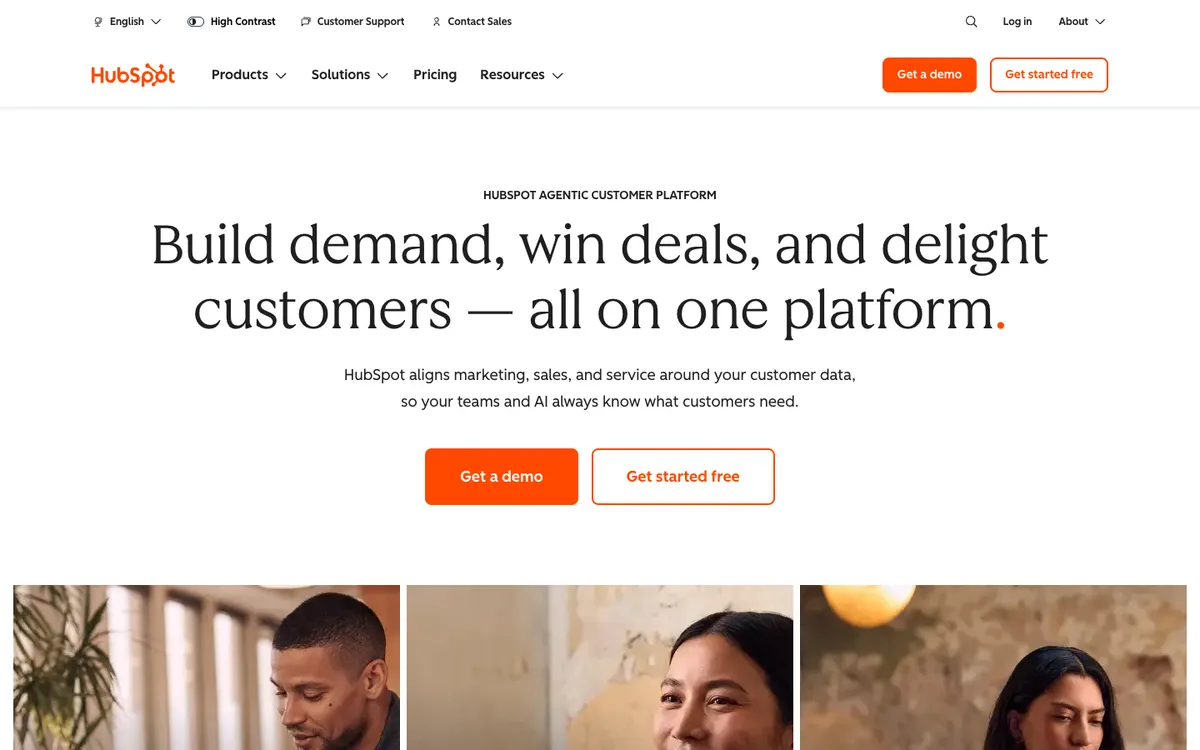
HubSpot’s homepage, captured 8 Nov 2026.
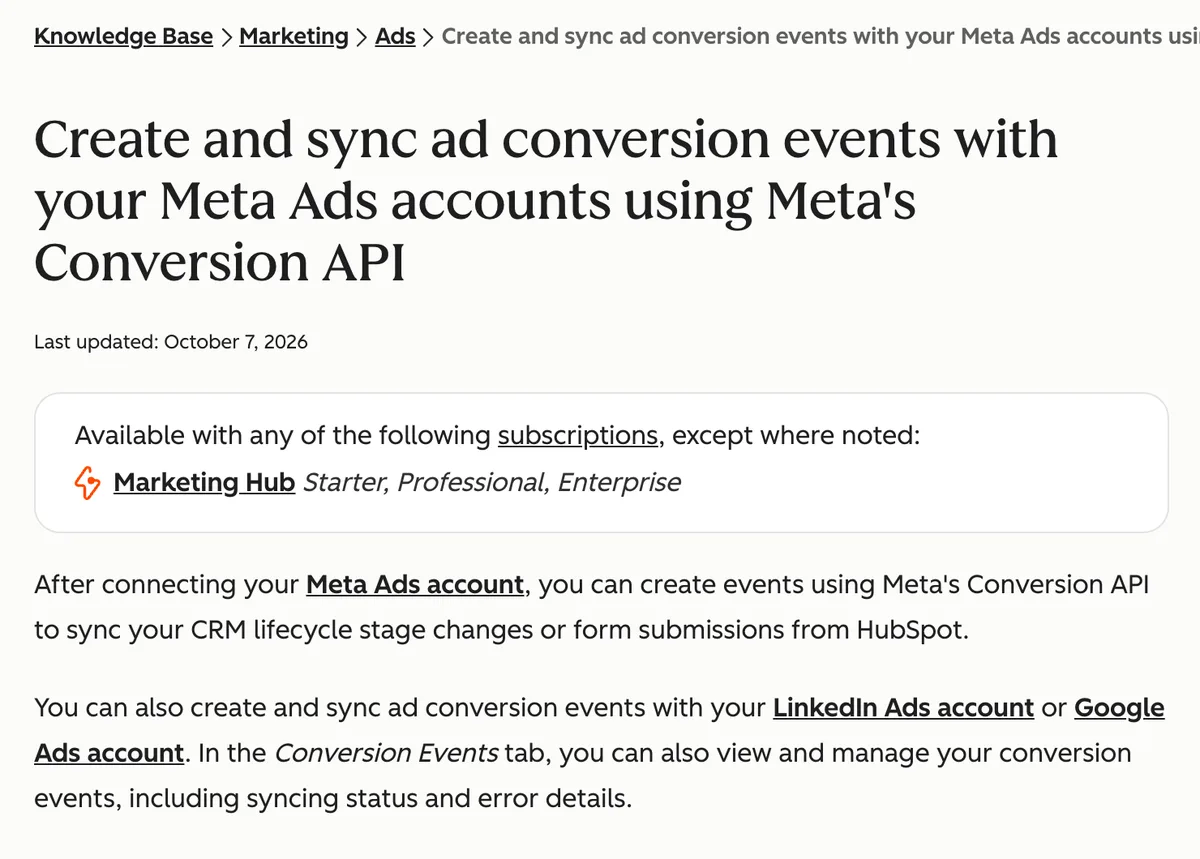
HubSpot is the closest thing to a full lead management platform of the 3: forms, ads, email and the CRM in one account. Its ad conversion events send CRM lifecycle stage changes to Meta through the Conversions API, and to Google Ads through enhanced conversions.
- Costs: Free for up to 2 users. Starter is normally $20 a seat a month, with a limited new customer offer from $7 a seat paid yearly. Marketing Hub Professional is $800 a month with 3 seats, plus a $3,000 onboarding fee.
- Ads loop: ad conversion events need Marketing Hub Starter or above. Starter includes 5, Professional 50. Contact data is hashed with SHA-256 before it goes to Google.
- Best for: teams that want forms, CRM and ad sync in one place, without a developer.
- Skip it if: you need real deal values in Google Ads out of the box. HubSpot’s own docs say that takes a custom build with workflows.
Zoho CRM: Google Ads lead gen on a budget
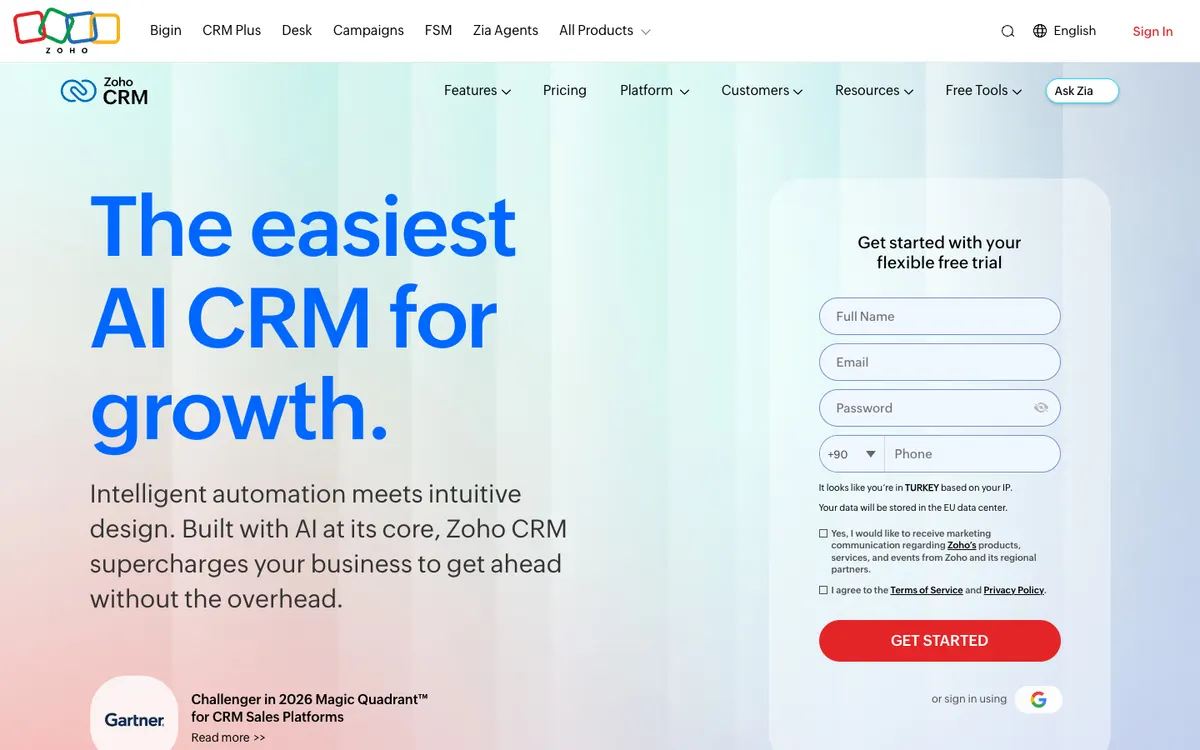
Zoho CRM’s homepage, captured 8 Nov 2026.
Zoho CRM is the cheapest route of the 3 to sending deal outcomes back to Google Ads. Its Google Ads integration keeps the gclid until the web form is submitted, then pushes your CRM stages back to Google as conversions.
- Costs: Free for up to 3 users. Standard is $14 a user a month billed yearly, or $20 monthly. The Google Ads integration starts on Professional, at $23 a user a month billed yearly, or $35 monthly. Local taxes are extra.
- Ads loop: a new lead goes to Google as a Signup, a converted lead as a Lead, and a deal set to Closed Won as a Sale with its amount. It pushes once every 24 hours, and Google won’t track a deal created more than 90 days after the click.
- Best for: Google Ads lead generation with a small sales team.
- Skip it if: most of your leads come from Meta. I couldn’t find a built in Conversions API route on Zoho’s own pages, so plan on a connector. And ask which Google endpoint it uses since June 2026.
Pipedrive: a sales team that lives in a pipeline
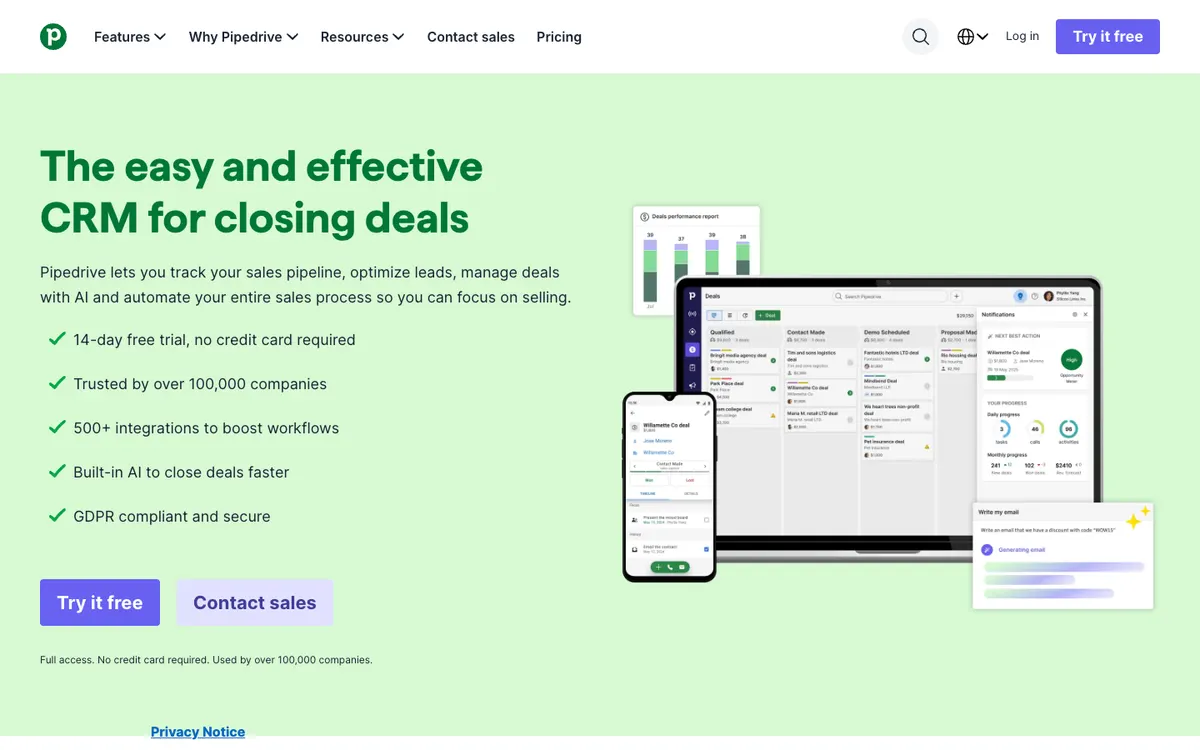
Pipedrive’s homepage, captured 8 Nov 2026.
Pipedrive is built around the pipeline view, which is why sales teams pick it. Lead and pipeline management are on every plan, and Premium adds lead routing and custom scoring. It’s the cleanest of the 3 for the hand off, and the weakest for closing the loop.
- Costs: no free plan, a 14 day free trial with no card. Lite is $14 a seat a month, Growth $39, Premium $59 and Ultimate $79, all billed yearly.
- Ads loop: Pipedrive’s own help article brings Facebook lead ads in through a Zapier zap, which needs a paid Zapier plan. Sending outcomes back to Meta or Google means Zapier, Make or a developer.
- Best for: B2B teams with fewer, longer deals.
- Skip it if: you want the loop closed without a third party tool.
Privacy rules before you send anything
Sending customer data from a lead management CRM to an ad platform is a data transfer, and it has rules. They depend on where your customers are, not where you are. Being roughly right is worse than saying less here, so this is the short version:
- EEA: consent is required, through Google’s Consent Mode signals for ad data use and ad personalisation.
- UAE: the personal data protection law came into force on 2 January 2022. It requires consent and sets conditions on transfers abroad.
- Saudi Arabia: its law has been enforceable since September 2024, regulated by SDAIA.
Both platforms want identifiers hashed before you send them. Hashing is a technical requirement, not a legal one, and it doesn’t replace a lawful basis. If a vendor says otherwise, get a second opinion from someone with a practising certificate.
What I’d do
I’d fix the loop before I’d change the lead management CRM. Most accounts I open already have a CRM that could store a click ID. Nobody’s told it to. So I start with the capture step, add a revenue field, and send 1 outcome back to Meta and Google before anything else.
That works in any lead management CRM that stores a click ID. If you’re starting from nothing, here’s how I’d pick:
- Mostly Google Ads, small team: Zoho CRM on Professional.
- Ads, forms and email in one place: HubSpot, with Marketing Hub Starter at least.
- A sales team that runs on a pipeline: Pipedrive, and budget for the connector.
Under 200 leads a month on Meta, optimise for the lead and record outcomes anyway. The history’s worth having later.
Not sure your CRM is sending anything back? Talk to me.
Questions people actually ask
What is lead management, and what does a CRM add?
Lead management is how a lead gets from the form to a sale: capture it, track it, qualify it, follow up and hand it to sales. A CRM gives each lead one record with its source, its stages and its outcome. For an advertiser it adds a 6th step, sending that outcome back to Meta and Google so their bidding learns what a good lead looks like.
Is there free lead management software that works with ads?
Yes, up to a point. HubSpot is free for up to 2 users and Zoho CRM is free for up to 3, and both take in leads from your forms. Neither free plan sends outcomes back to the ad platforms. HubSpot needs Marketing Hub Starter or above for ad conversion events, and Zoho's Google Ads integration starts on its Professional plan.
Do I need a lead management CRM if I only run a few ads?
If the sale finishes on your website, no. Your checkout already reports the outcome. If you generate leads and the sale finishes on a phone call, yes, and sooner than you'd think. Meta asks for at least 200 leads a month before it optimises lead ads for a CRM stage, so start recording outcomes before you get there.
What is the difference between offline conversions and the Conversions API?
Offline conversion import is the Google side: you send a click ID plus the outcome after it happens, and since June 2026 new uploads go through Google's Data Manager API. The Conversions API is the Meta side, a server to server feed that carries delayed outcomes as well as normal website events. Different names, same idea: tell the platform what happened after the click.
Did the end of third party cookies make a CRM more important?
The premise is out of date. Google said in April 2025 it would keep its current approach to third party cookie choice in Chrome, and in October 2025 it retired most of the Privacy Sandbox technologies. The real signal loss for lead generation is consent banners blocking tags, ad blockers and in app browsers. A server side feed from a CRM routes around all 3.
Do I need consent to send customer data to Meta or Google?
In the EEA, yes, and Google enforces it through Consent Mode signals for ad data use and personalisation. The UAE's personal data protection law came into force on 2 January 2022, requires consent and puts conditions on transfers abroad. Saudi Arabia's has been enforceable since September 2024. Get local advice on the specifics, not a checklist from a blog.